Your digital card in Google Wallet, and what to do on iPhone
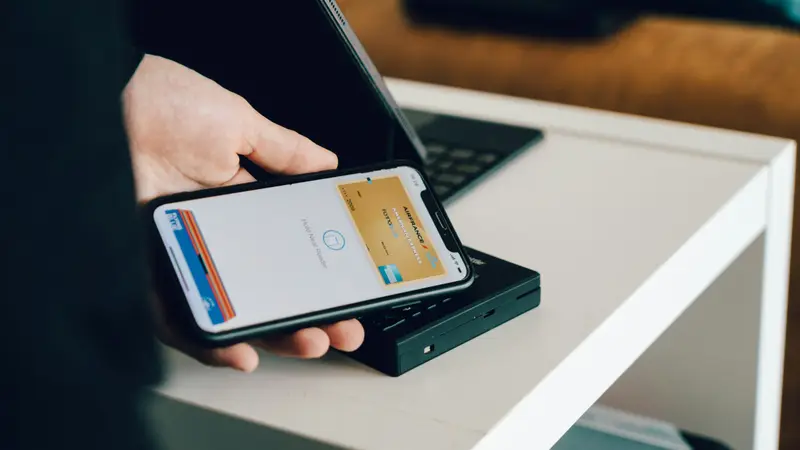
How buyers save your card from a QR code at an open home, adding your own card to Google Wallet, what to do on iPhone, and your QR code in print.
Paper cards get left on the bench. A good digital card saves you to a buyer's phone, sends them to your website and starts a conversation.
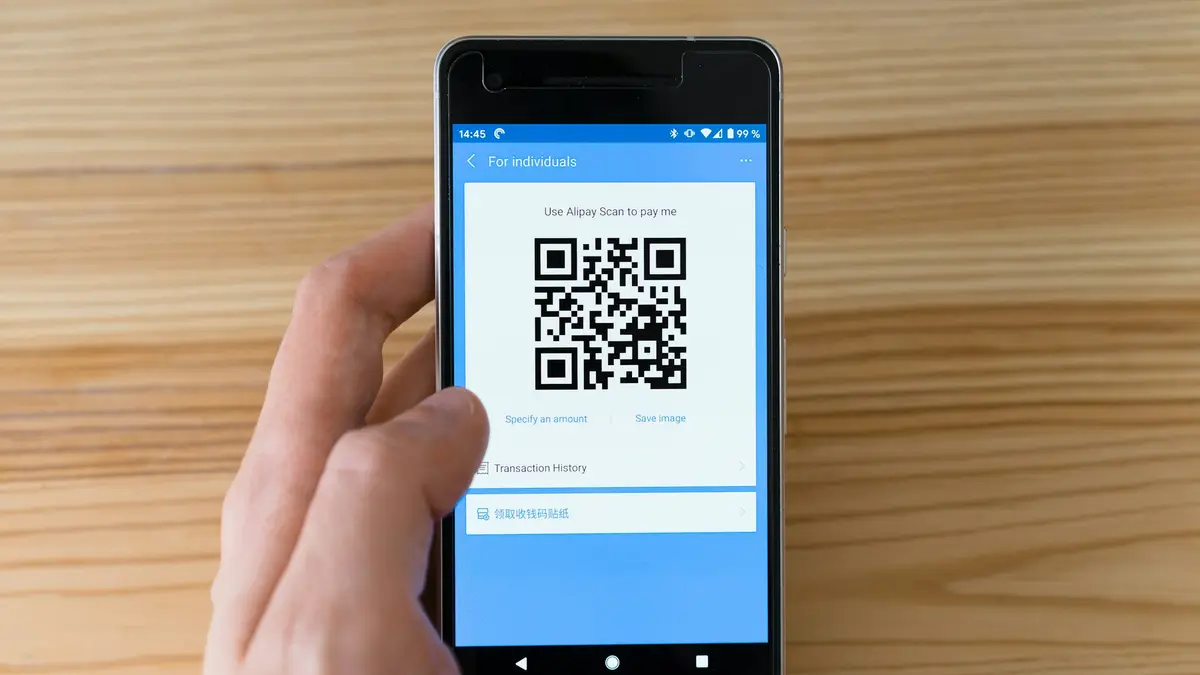
An open home is one of the few times you meet buyers, and future vendors, face to face. Most of them will leave with a brochure and, if you’re lucky, a paper card that ends up in the recycling.
A digital business card gives them a better way to keep you.
A digital business card is a simple web page with your photo, your name, your agency and buttons to call, email or save your details. People open it by scanning a QR code or tapping a link. There’s no app to download, and it works on any phone.
Save you in one tap. The most important button is “Save contact”. It adds your name, number, email and website straight to their phone’s contacts, spelled correctly, so they can find you next month when they’re ready to sell.
Lead to your website, not a portal. Your card should send people to your own site, where they see your listings, your sales and your story, rather than a page full of other agents.
Show what’s on now. Your current listings on the card give buyers a reason to keep it, and to come back to it.
Make it easy to get in touch. A short enquiry form or an appraisal link turns a passing interest into a lead in your inbox.
If you collect people’s details at an open home, including through a form on your card, you’re handling personal information. Be clear about why you’re collecting it, only use it for that purpose, and follow your agency’s privacy policy. Your website’s enquiry form should link to a privacy policy too.
Every plan, including the free one, includes a digital card built from your brief, with your photo, call and email buttons and a “Save contact” button. On Starter and Pro it also shows your current listings and links to your own website. When you update your details or listings and publish, your card updates too.
How buyers save your card from a QR code at an open home, adding your own card to Google Wallet, what to do on iPhone, and your QR code in print.
What an agent's digital card needs to do at open homes, and how Blinq, Tapt, Propps, HiHello and Real Agent Marketing compare, from each vendor's own website.
What vendors look for when they look up an agent online. The ten things your real estate website needs, and what you can leave out.
Start free with your digital card. Upgrade when you're ready for your own site and domain.